


AI Video Analytics Appliances
Add AI event detection to compatible camera systems. Appliances for factories, construction sites, campuses and perimeter monitoring.
Choose Your AI Video Analytics Appliance
Compare channel capacity and installation requirements.
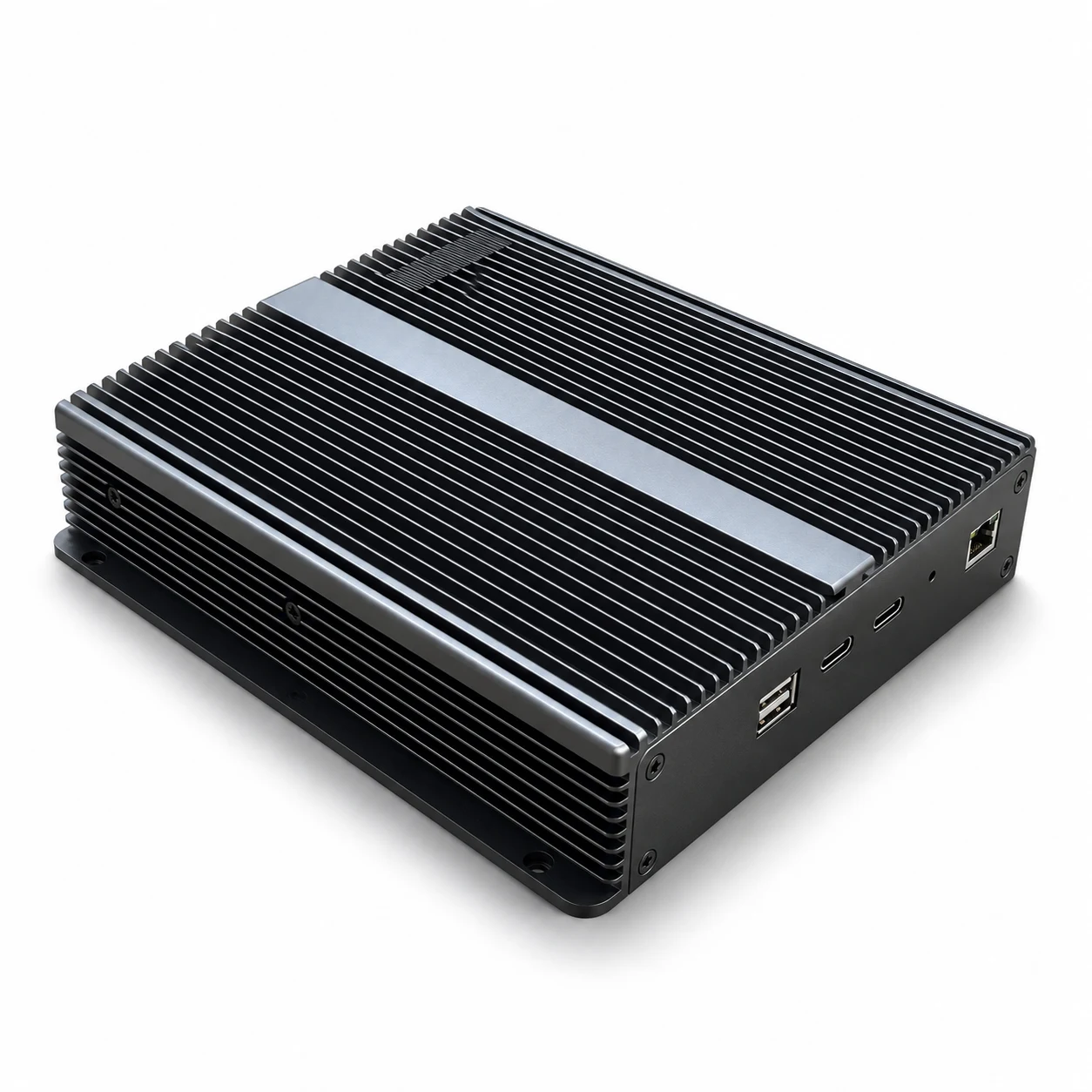
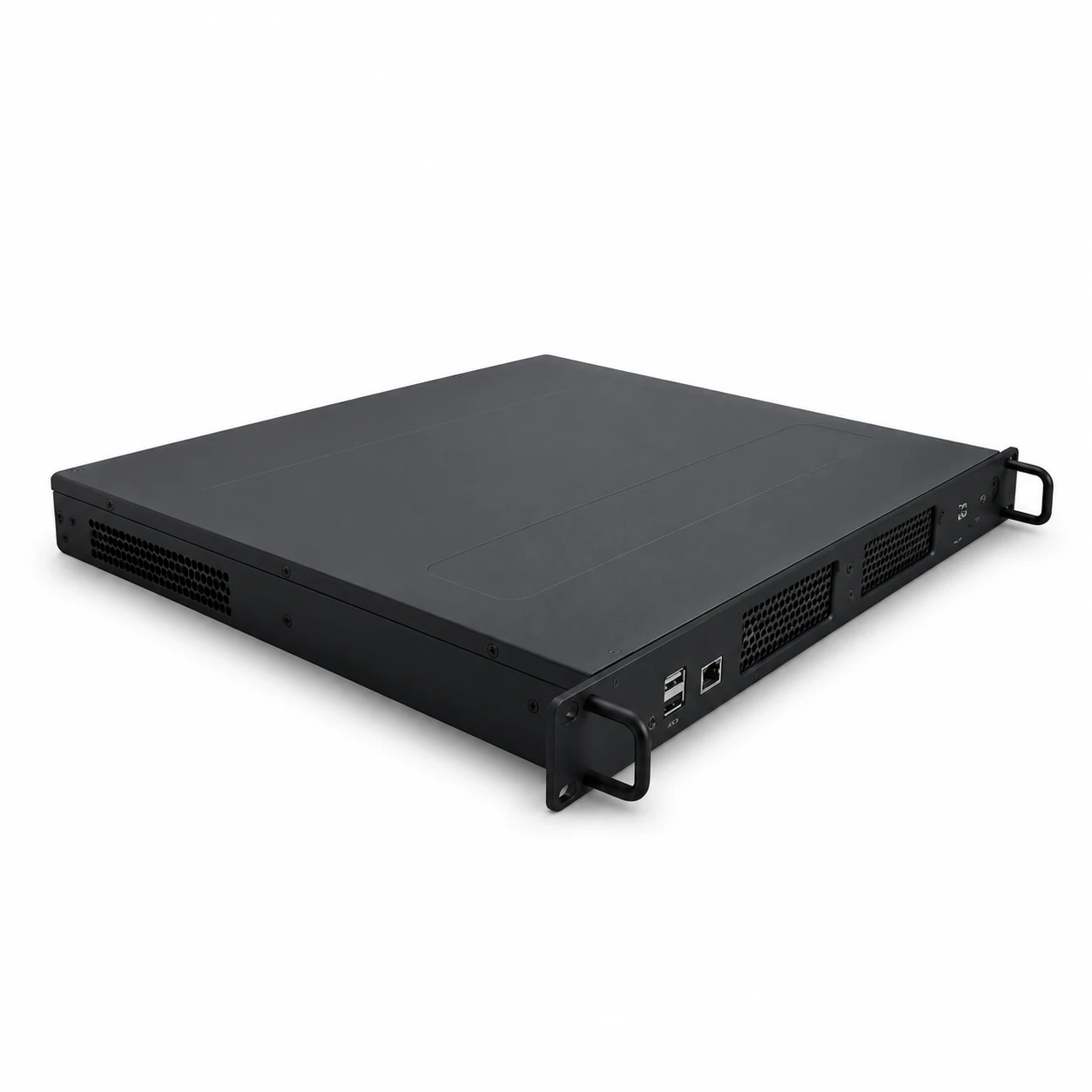
Compare Models at a Glance
| Model | NE-8 | NE-16 | NE-20 | NE-40 |
|---|---|---|---|---|
| Form factor | Compact | Compact | 1U rackmount | 1U rackmount |
| Analysis channels (1080p) | 8 | 16 | 20 / 32* | 40 / 64* |
| Memory | 8 GB | 16 GB | 16 GB | 32 GB |
| Onboard storage | 32 GB | 32 GB | 64 GB | 128 GB |
| Video protocols | RTSP / GB28181 | RTSP / GB28181 | RTSP / GB28181 | RTSP / GB28181 |
NE-20: Supports at least 20 channels of 1080p video analysis with the large AI model service enabled, and 32 channels with the service disabled.
NE-40: Supports at least 40 channels of 1080p video analysis with the large AI model service enabled, and 64 channels with the service disabled.
Actual performance depends on video stream settings, the selected algorithms and system configuration.
AI Detection for Your Site
Intrusion
PPE Detection
Personnel Events
Smoke & Flame
Vehicle Events
Camera Conditions
Built for Real-World Applications
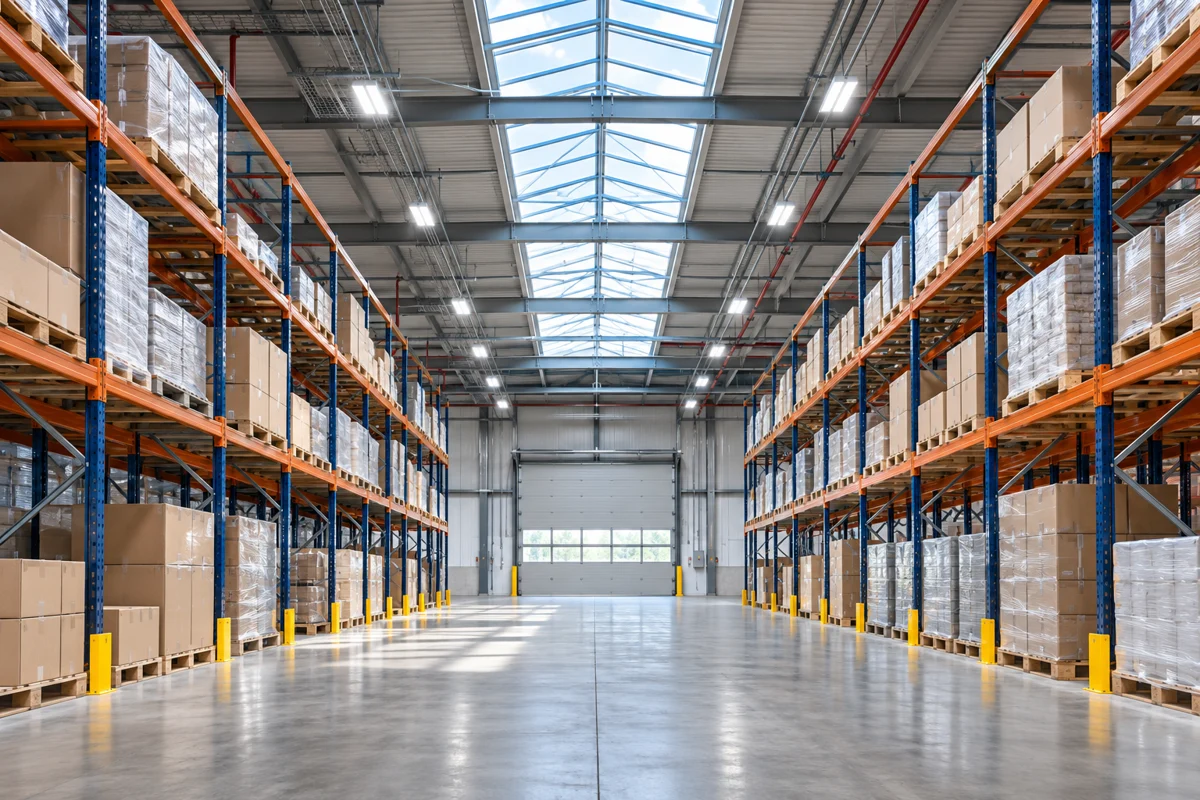
Factories & Warehouses
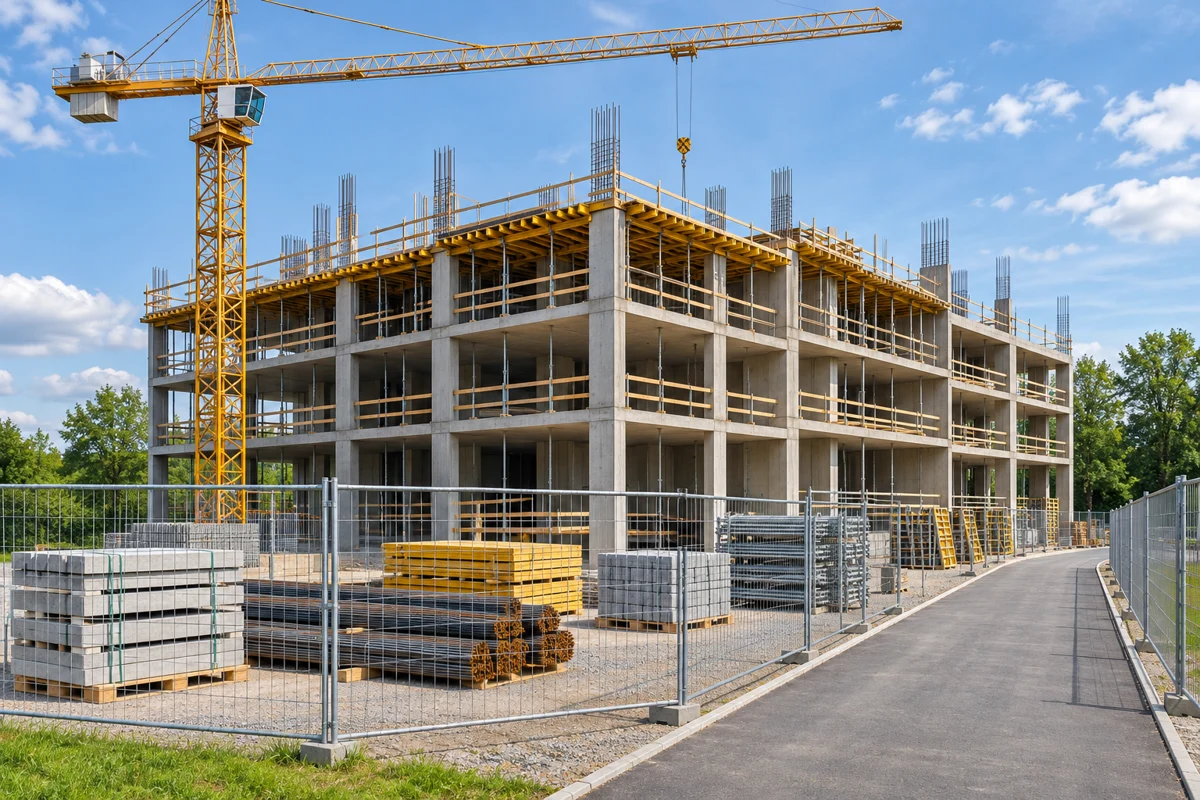
Construction Sites
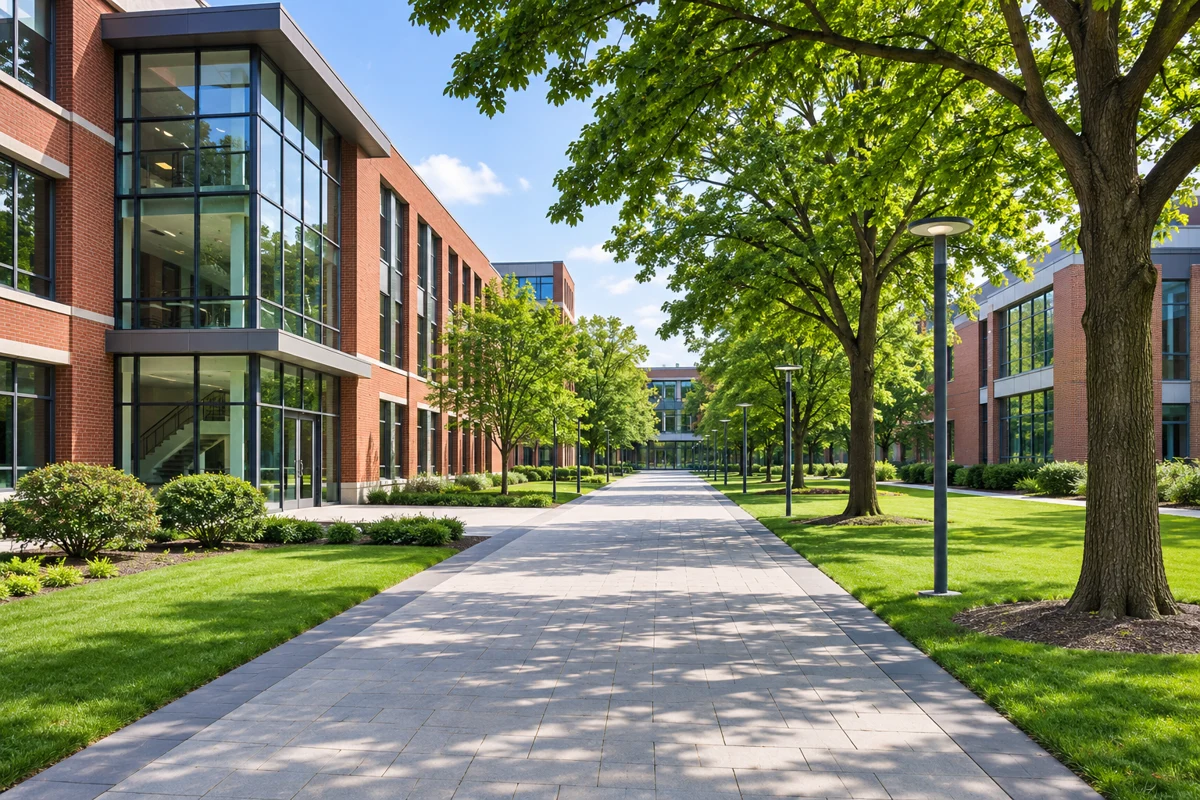
Campuses
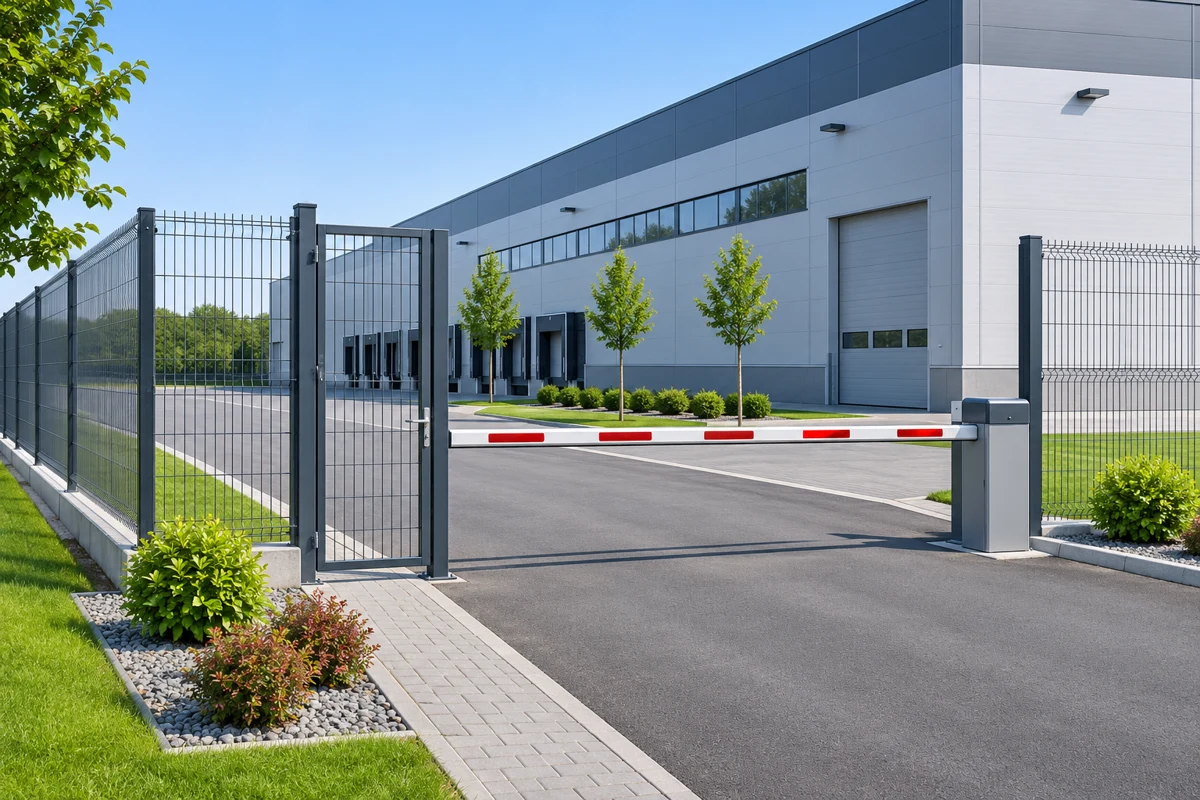
Perimeter Entrances
AI Detection for Your Site
Select event types around your actual camera views. Algorithm availability, licensing and configuration are confirmed in the project quotation.
Perimeter Monitoring
Assess region intrusion, line crossing and loitering detection for defined camera views.
Workplace Safety
Review helmet and reflective-vest detection for selected work areas and camera positions.
Personnel Events
Select events such as falls, climbing or gathering according to site requirements.
Smoke & Flame Detection
Review video-based smoke and flame events as an additional monitoring input. Confirm the applicable safety requirements for the site.
Vehicle Events
Assess parking and vehicle-related events for the required scene and camera angle.
Camera & Site Conditions
Consider camera obstruction, blocked passages and left or removed objects where supported by the selected configuration.
How It Fits Your Camera System
01 · Camera input
Receive supported video streams from compatible cameras or the agreed video source. RTSP and GB28181 are listed in the product specifications.
02 · Event analysis
Apply the selected algorithms to configured scenes. Confirm resolution, frame rate, stream count and event rules for the deployment.
03 · Review & response
Route events to the agreed management process for review and response. Any large-model review service or external server is specified separately.
Built for Real-World Applications
Factories & Warehouses
Assess work-area safety, passage obstruction and selected personnel events.
Construction Sites
Review helmet, reflective-vest and perimeter events for defined site views.
Campuses & Buildings
Plan monitoring around entrances, shared spaces and selected personnel events.
Perimeter Entrances
Define intrusion and crossing rules for agreed boundary-camera positions.
Frequently Asked Questions
Can I use existing cameras?
RTSP and GB28181 are listed protocols. Compatibility still depends on the camera, stream configuration and network. Send camera models and sample stream information for assessment.
Does every device include all algorithms?
Algorithm availability and licensing depend on the selected package. Define the event types you need so the quotation can specify what is included.
Is the large-model review service inside the appliance?
The deployment architecture must be confirmed. Do not assume that a separate review service, server or licence is included with the appliance.
What should I send for a quotation?
Send camera count, resolution and frame rate, camera models, event types, network conditions, installation location and management-platform requirements.
Find the Right Appliance for Your Project
Share your camera count, video resolution and detection requirements. We’ll help you choose a suitable model.